
Choose the web when
You are on a shared PC, joining as a guest, or want to collaborate without installing software.
Microsoft Teams
Three steps. No install. Meet and chat in your browser.
Most everyday collaboration works in the browser—no client required.
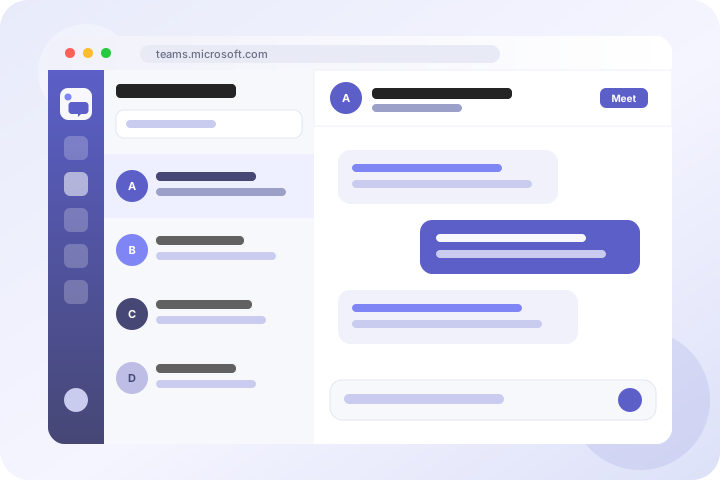
You are on a shared PC, joining as a guest, or want to collaborate without installing software.
You need stronger notifications, mobile access, or a multi-window desktop experience.